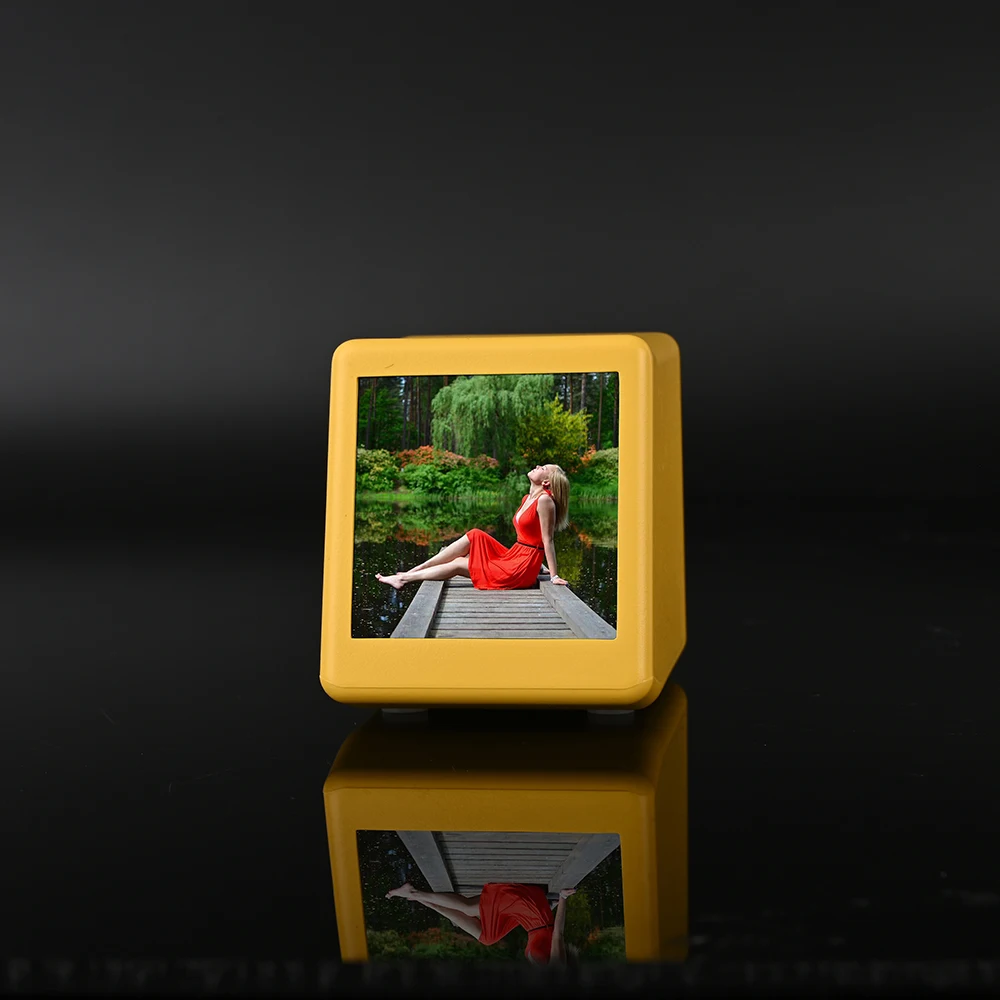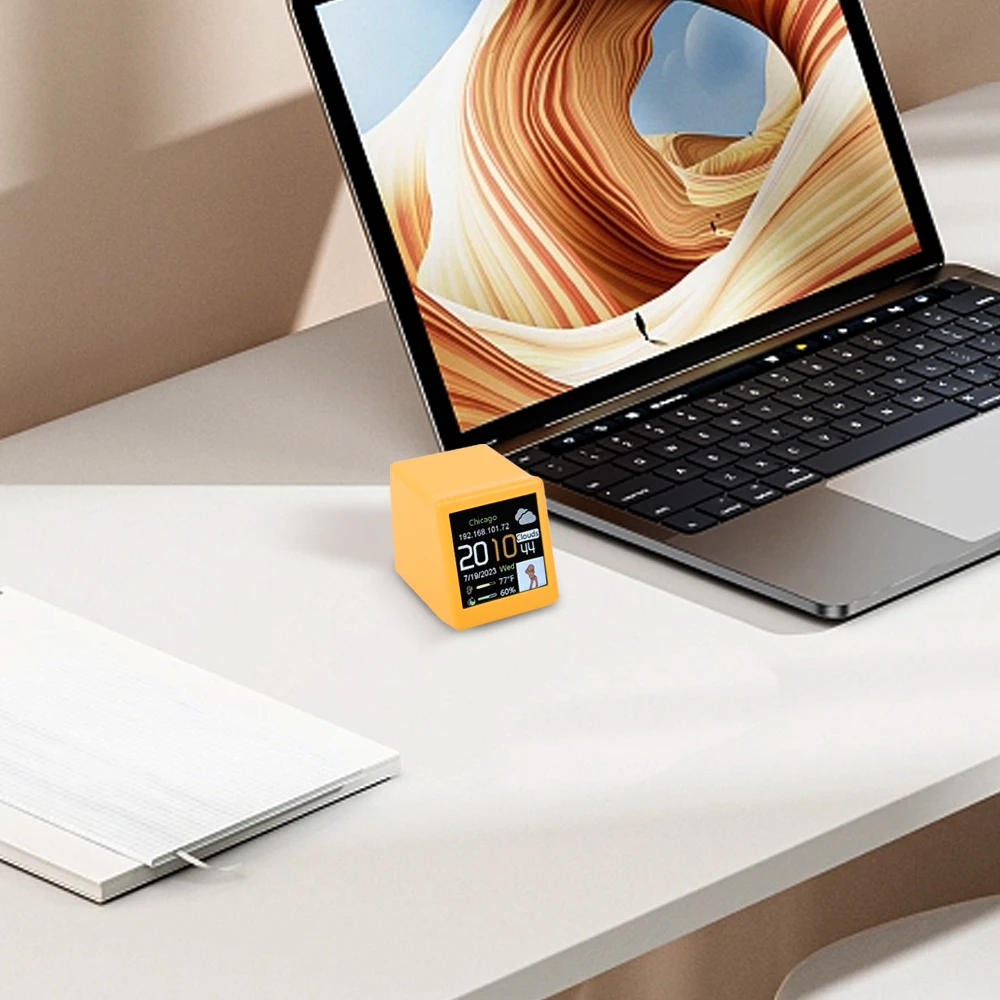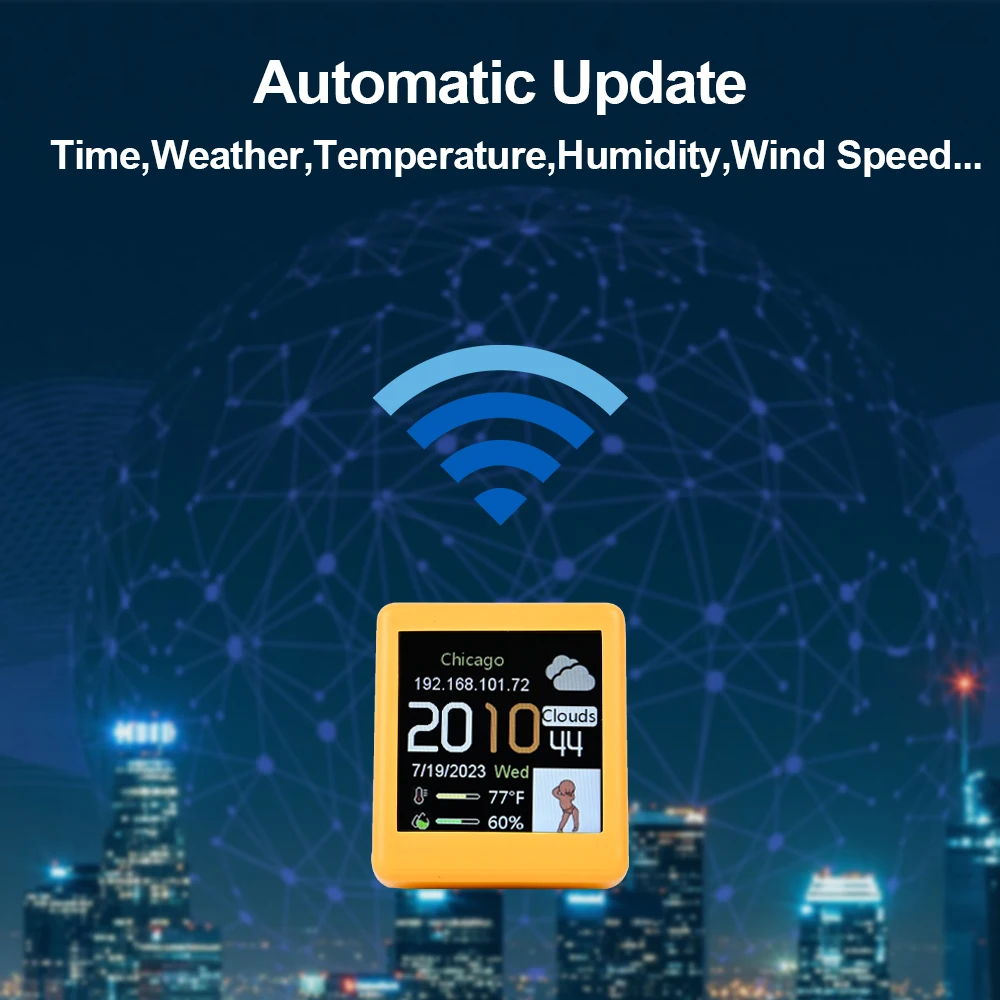
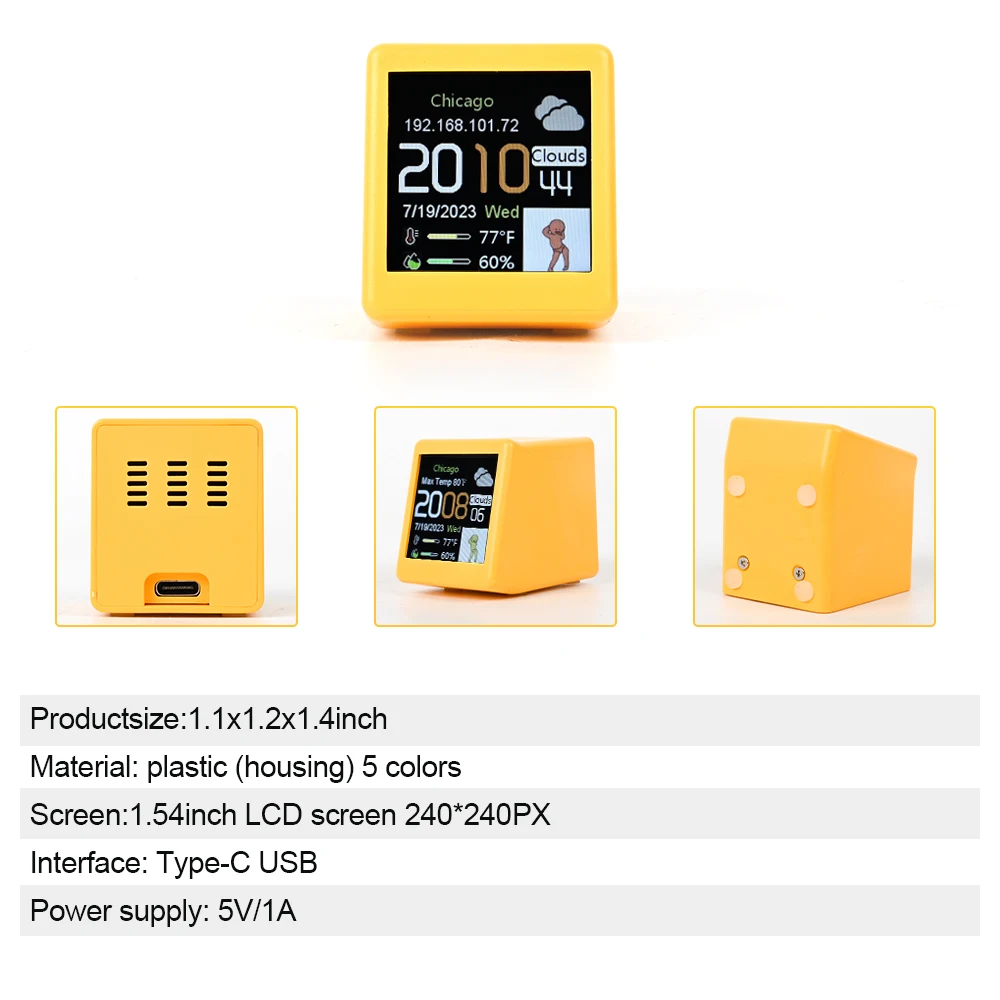
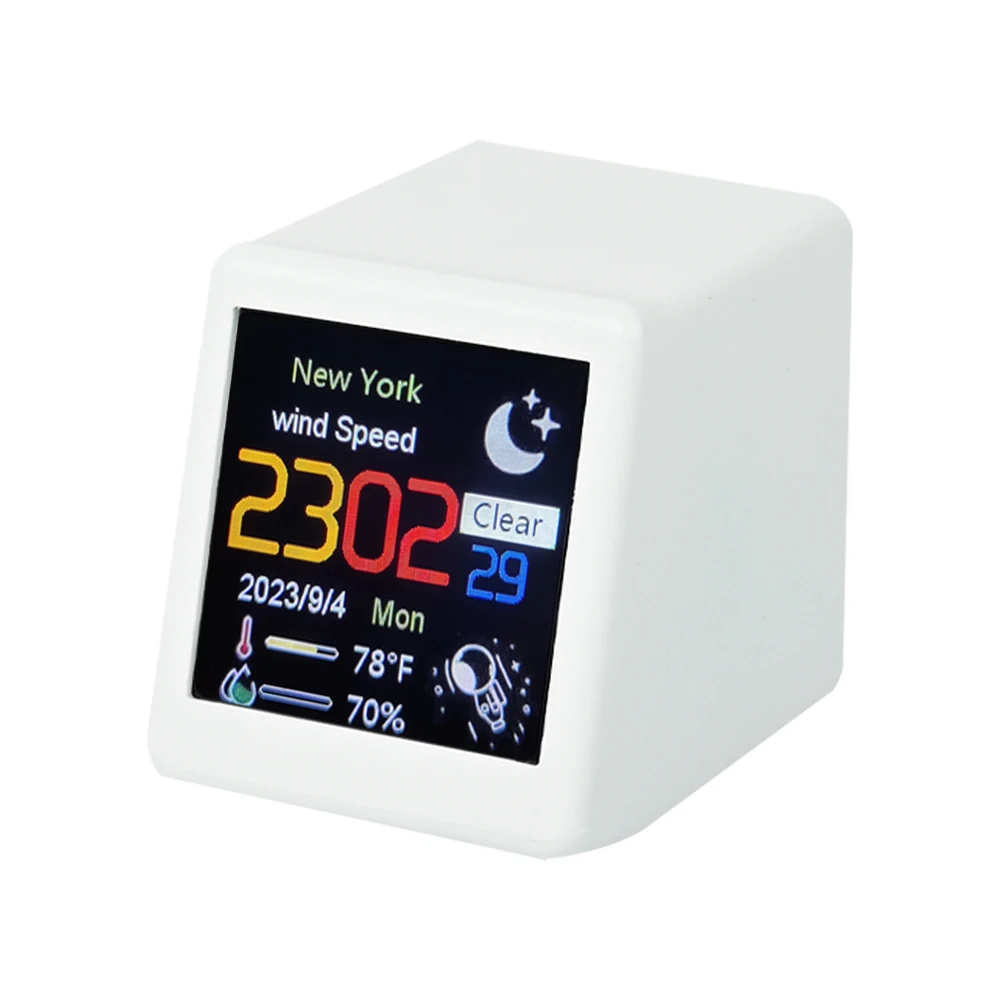
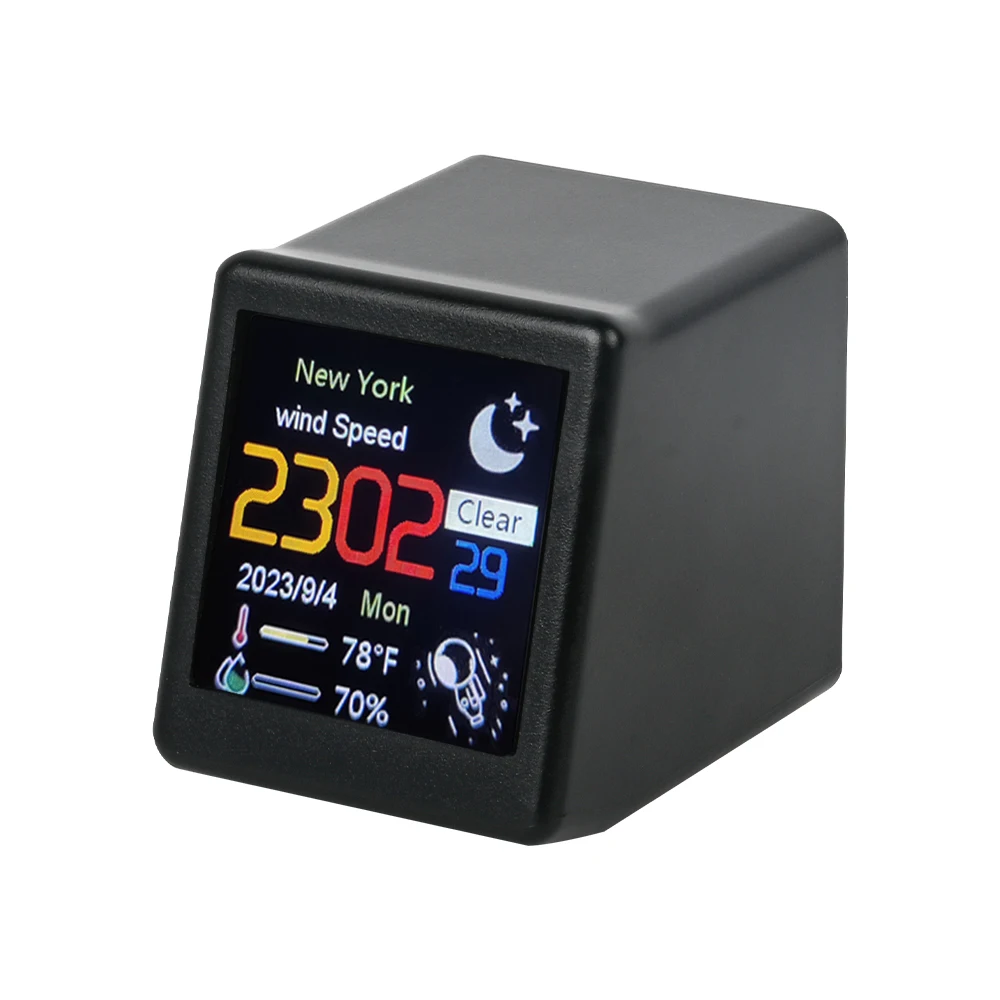
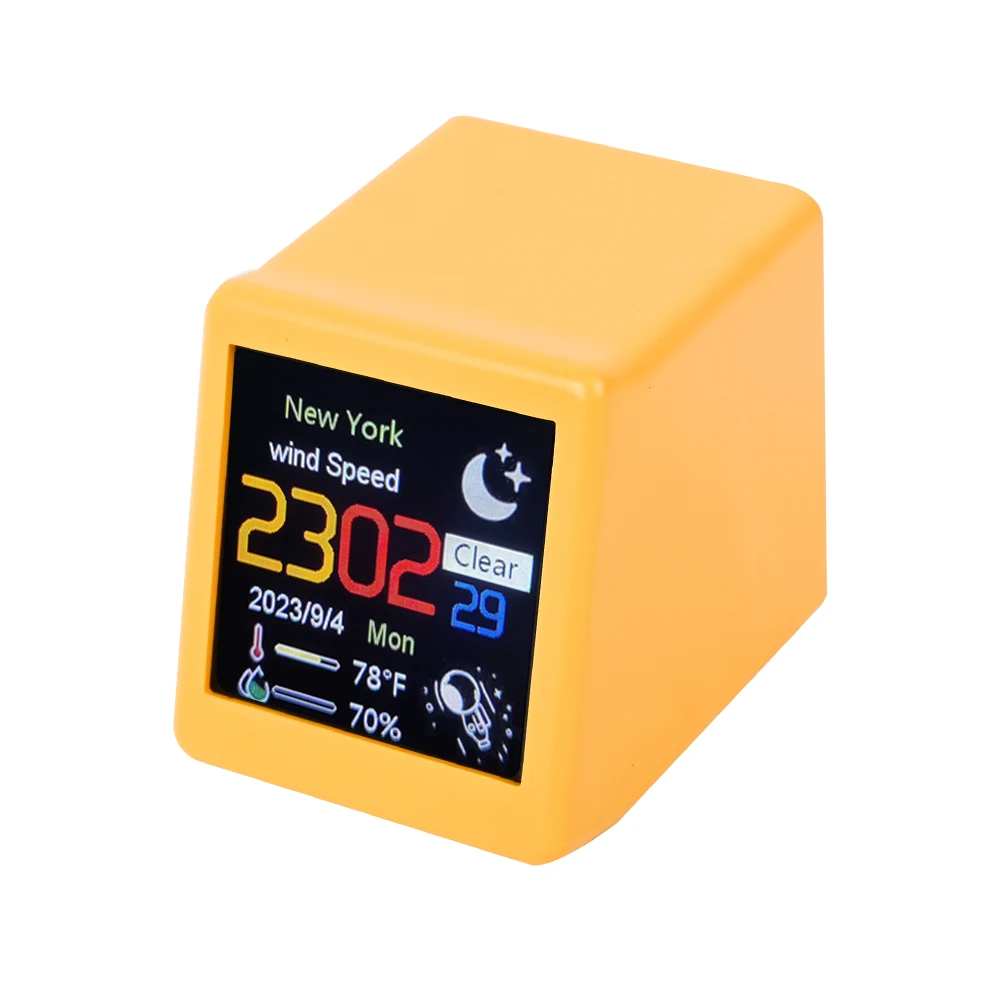
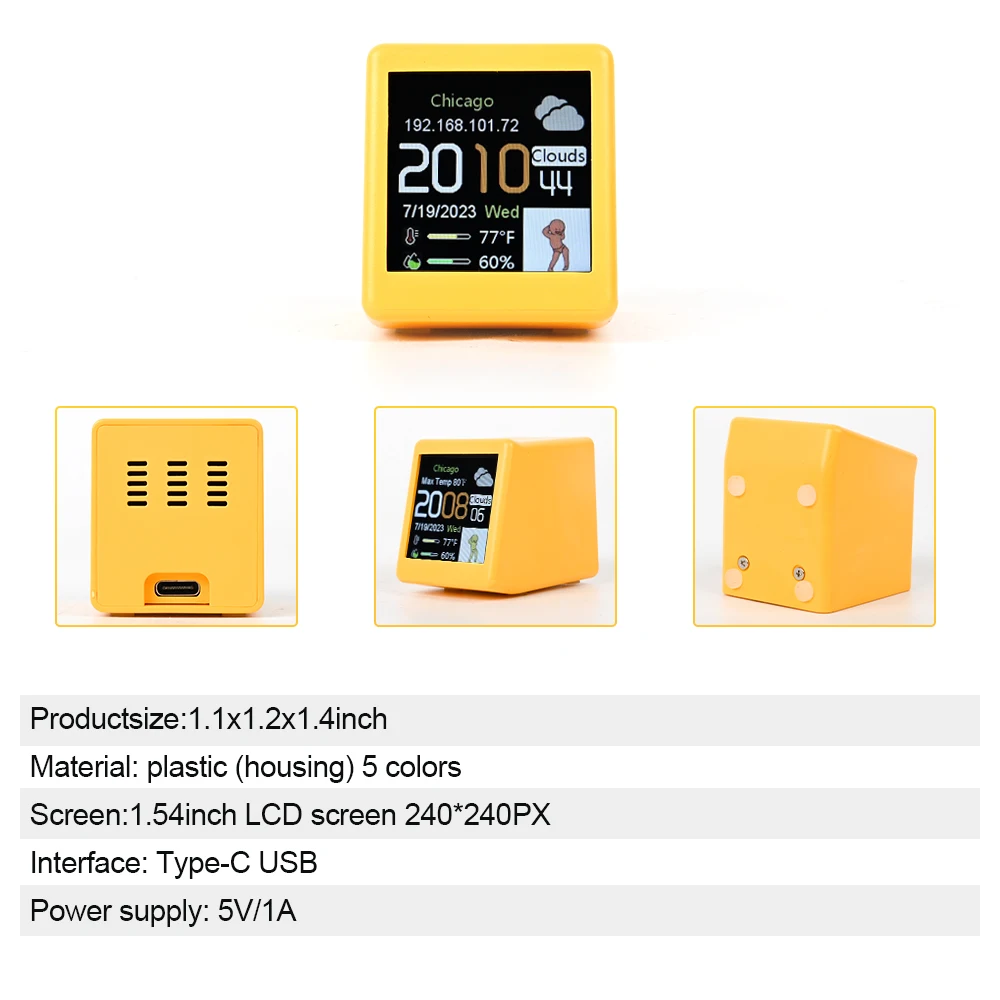
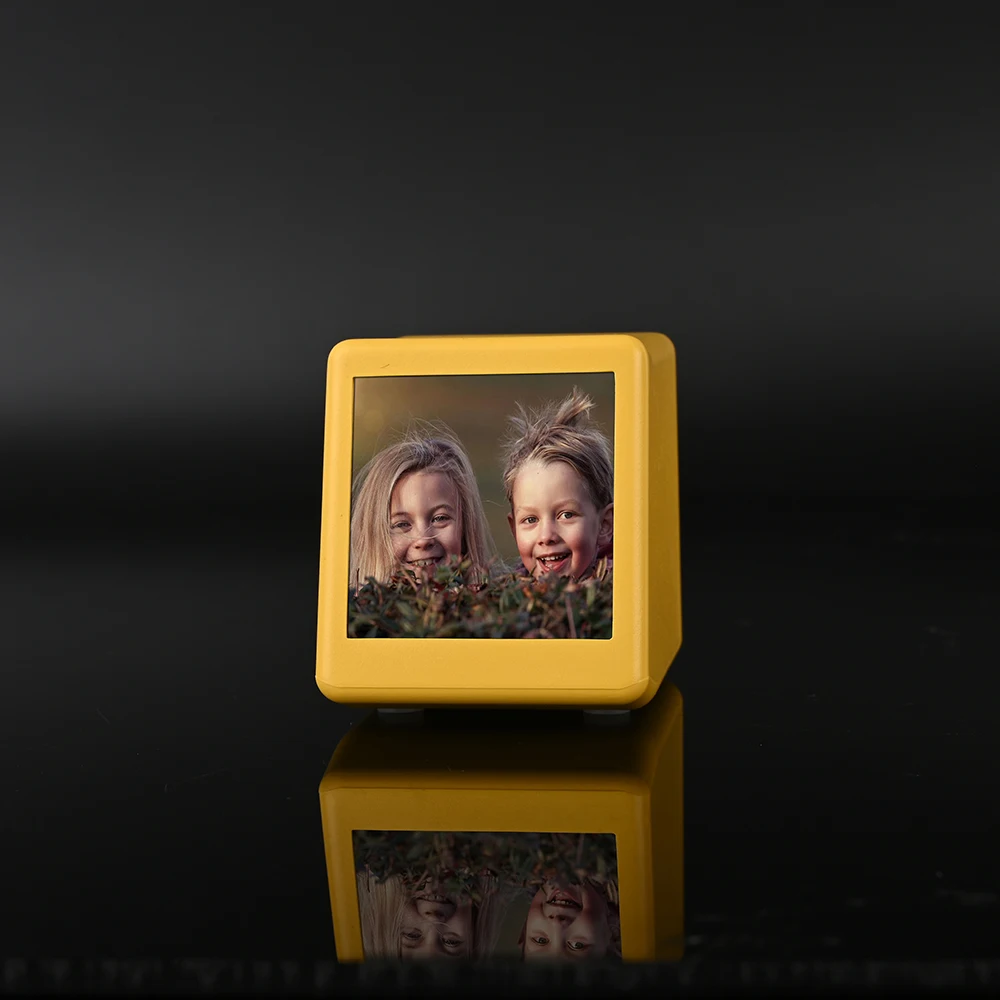
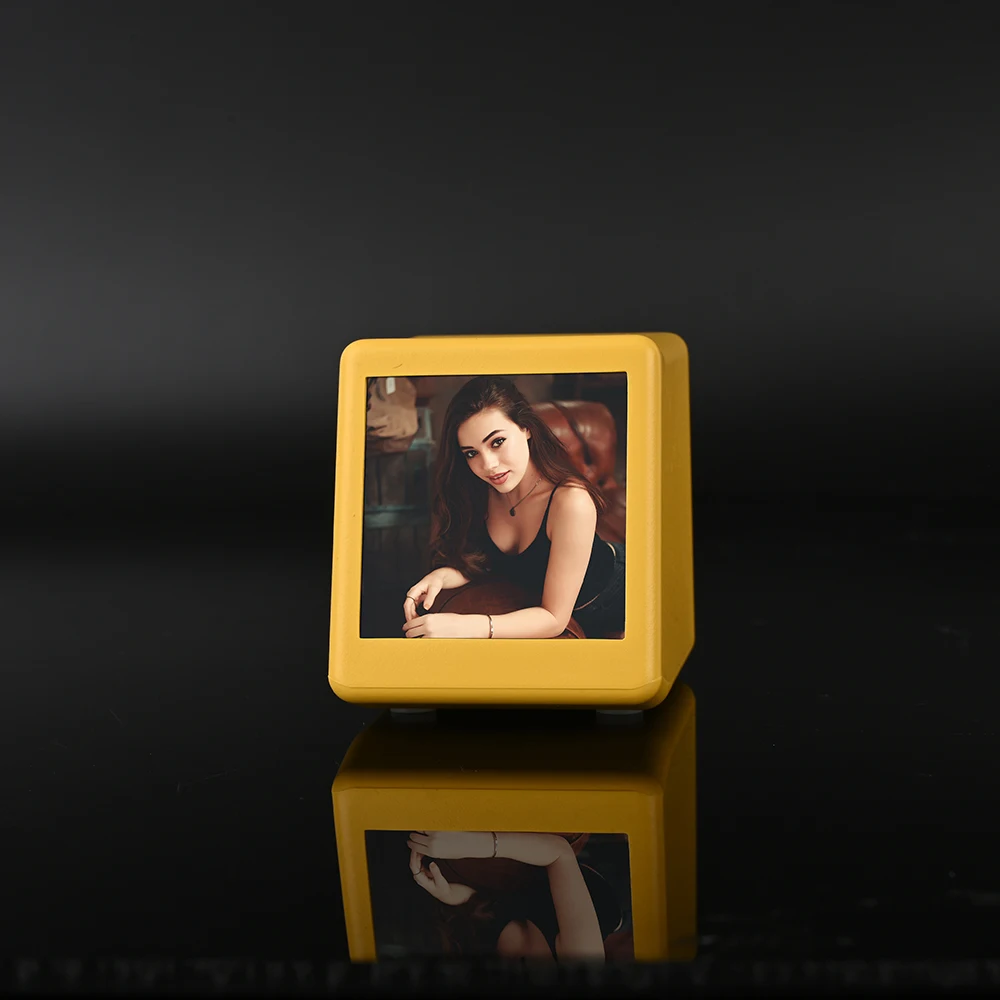
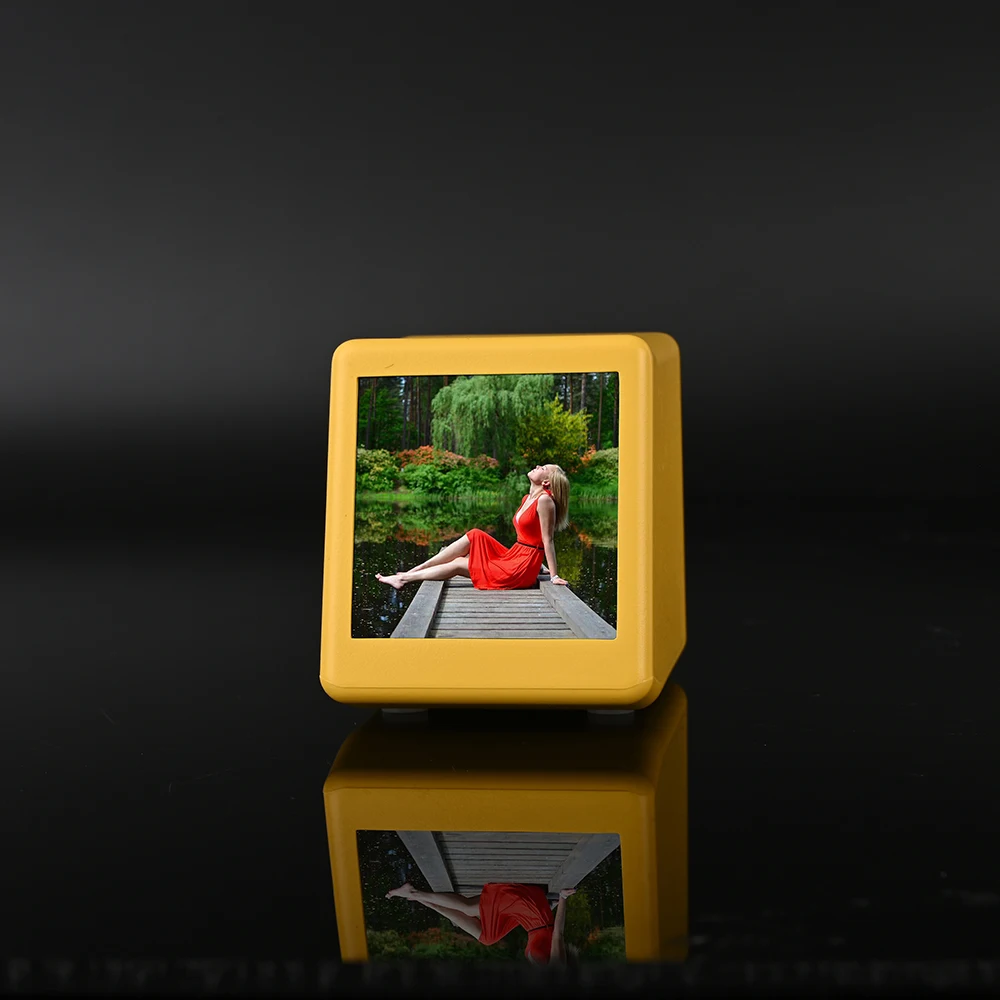
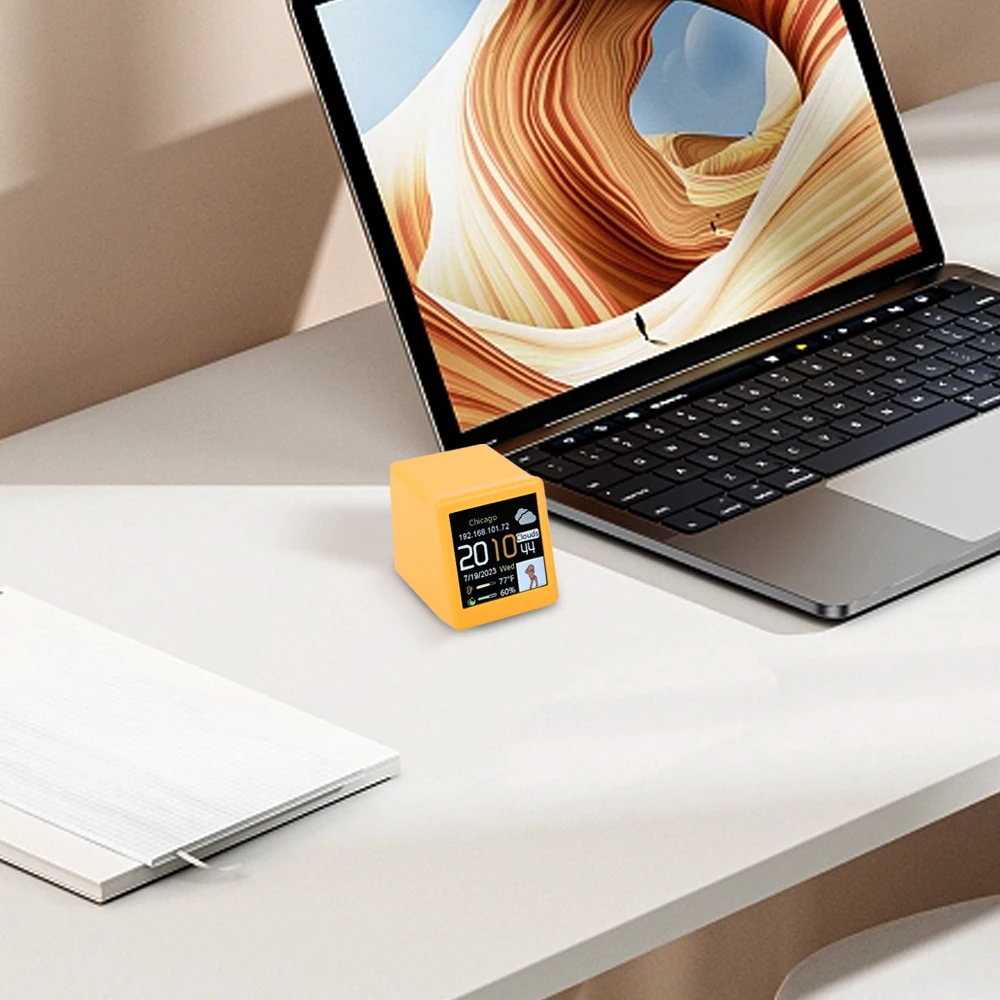


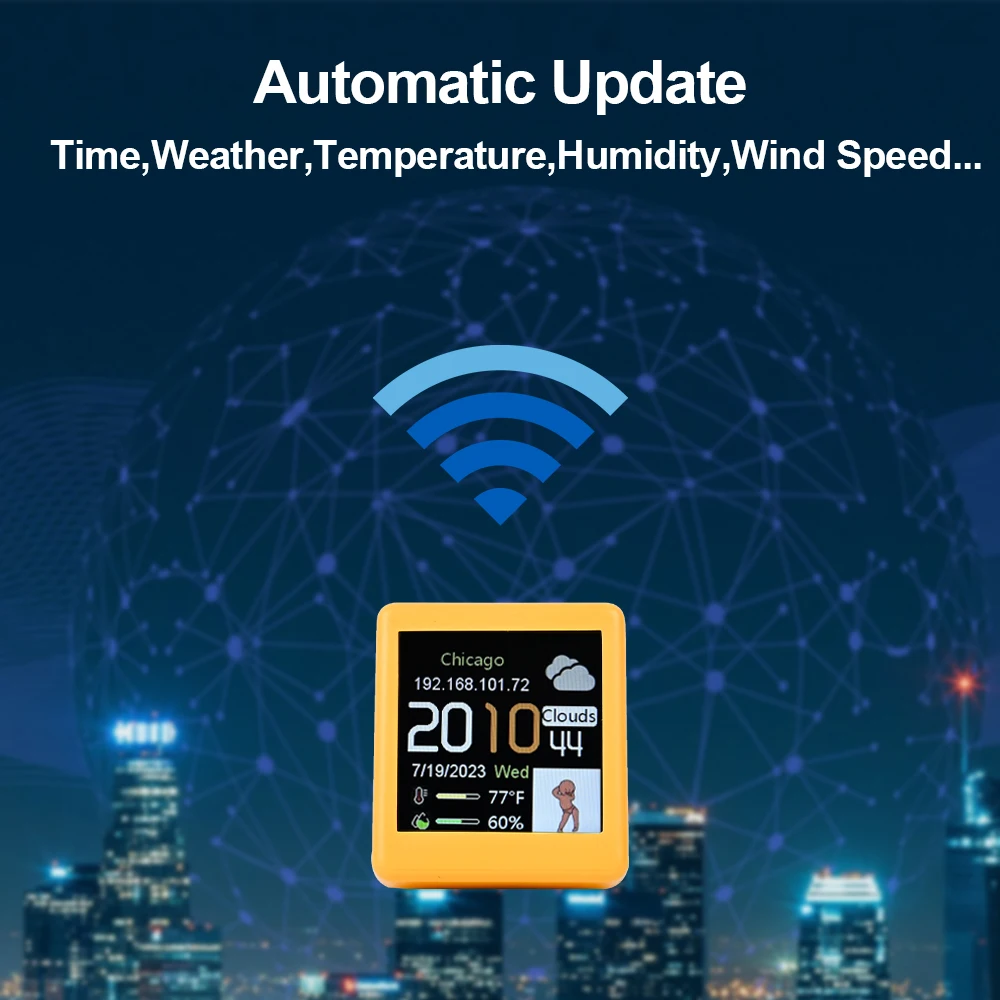


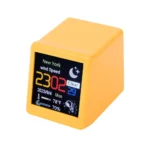








Smart Weather Clock with Electronic Photo Album WiFi Networking Animation Display Desktop Weather Station Automatic Update Ornament

(20 customer reviews)

Original price was: $39.00.Current price is: $29.00.

Weight1 lbs
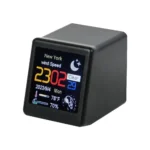
ColorWHITE, black, YELLOW
Ships FromUnited States
0 People watching this product now!
SKU: dc5kqdirrcg0008tsk80 Category:
Description

SPECIFICATIONS


Battery Included: no

Brand Name: NONE

Diameter: 50

Display Type: DIGITAL

Function: With Backlight

High-concerned chemical: None

Is Smart Device: Yes

Length: 50

Material: Plastic

Motivity Type: Digital

Movement Type: Wave movement

Origin: Mainland China

Shape: SQUARE

Style: BRIEF

Type: Desk Clocks

Weight: 100

Width: 50


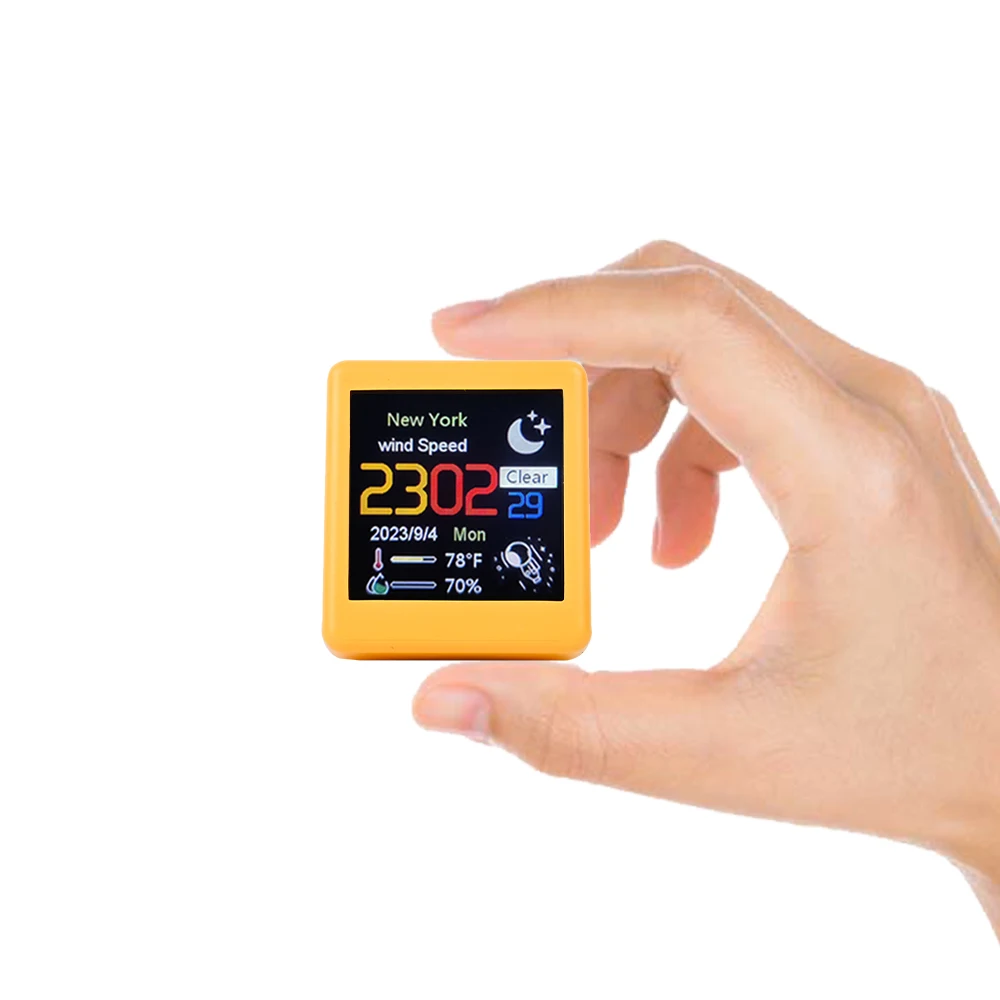
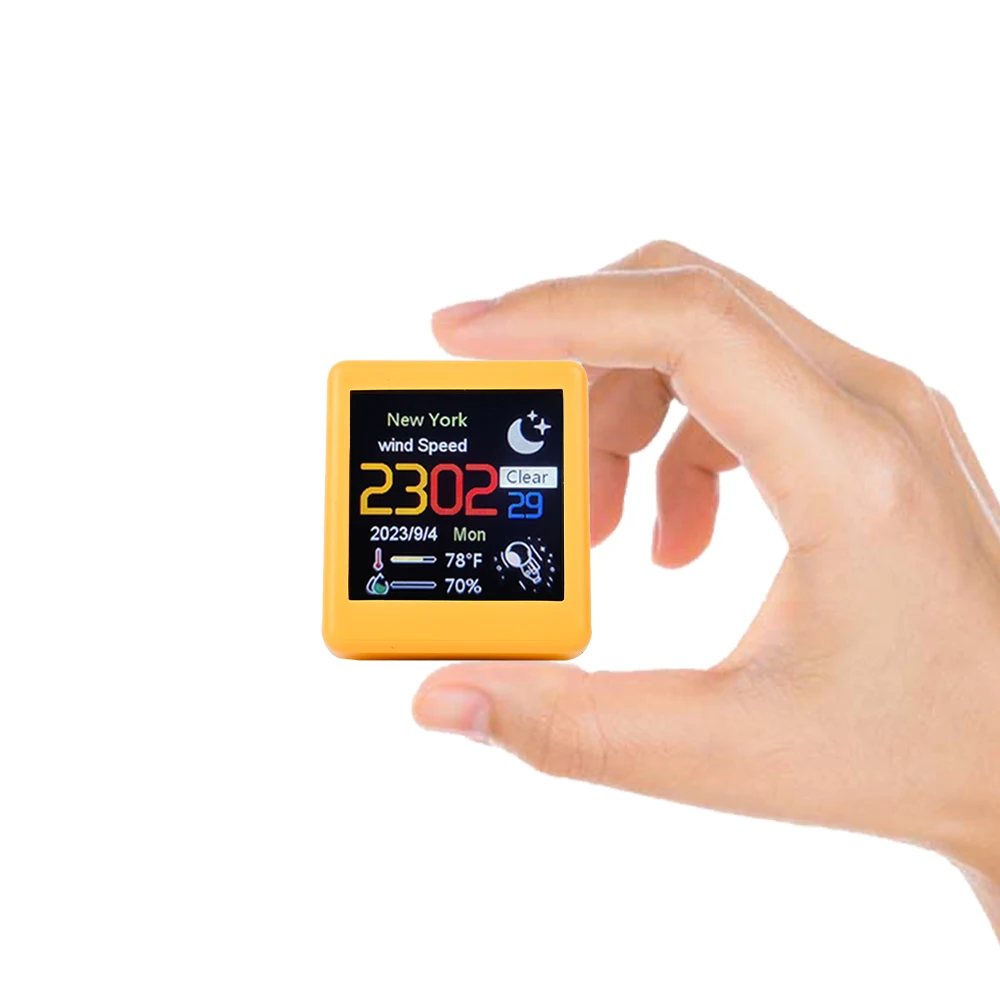
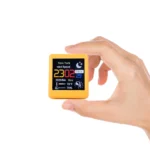
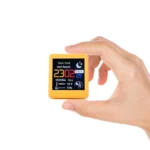
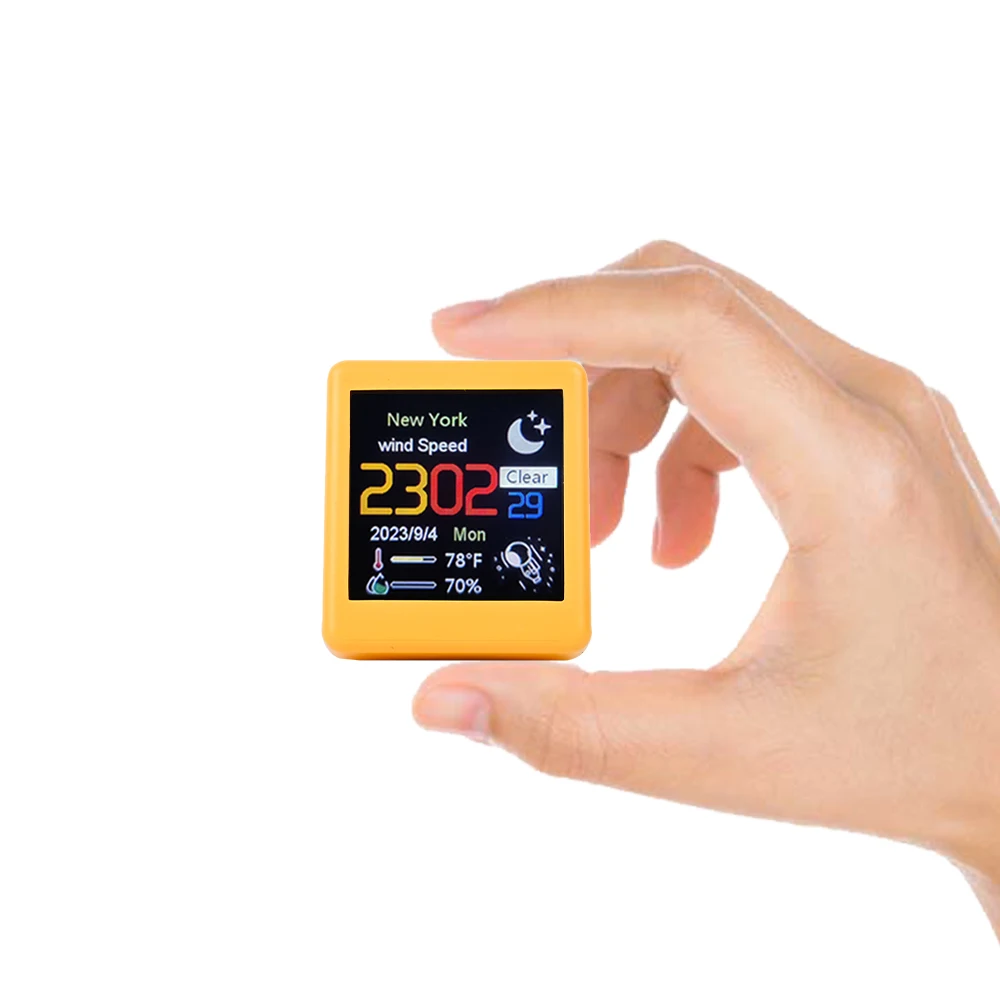
Please note that the product is quite small, similar in size to an egg.

The product requires a Wi-Fi connection to function.

For any usage issues, please contact us. Please do not leave negative reviews arbitrarily, thank you!

Our advantages:

1. Simple and clean user interface, no logo.

2. User-friendly backend, optimized over a long period, providing an excellent customer experience!

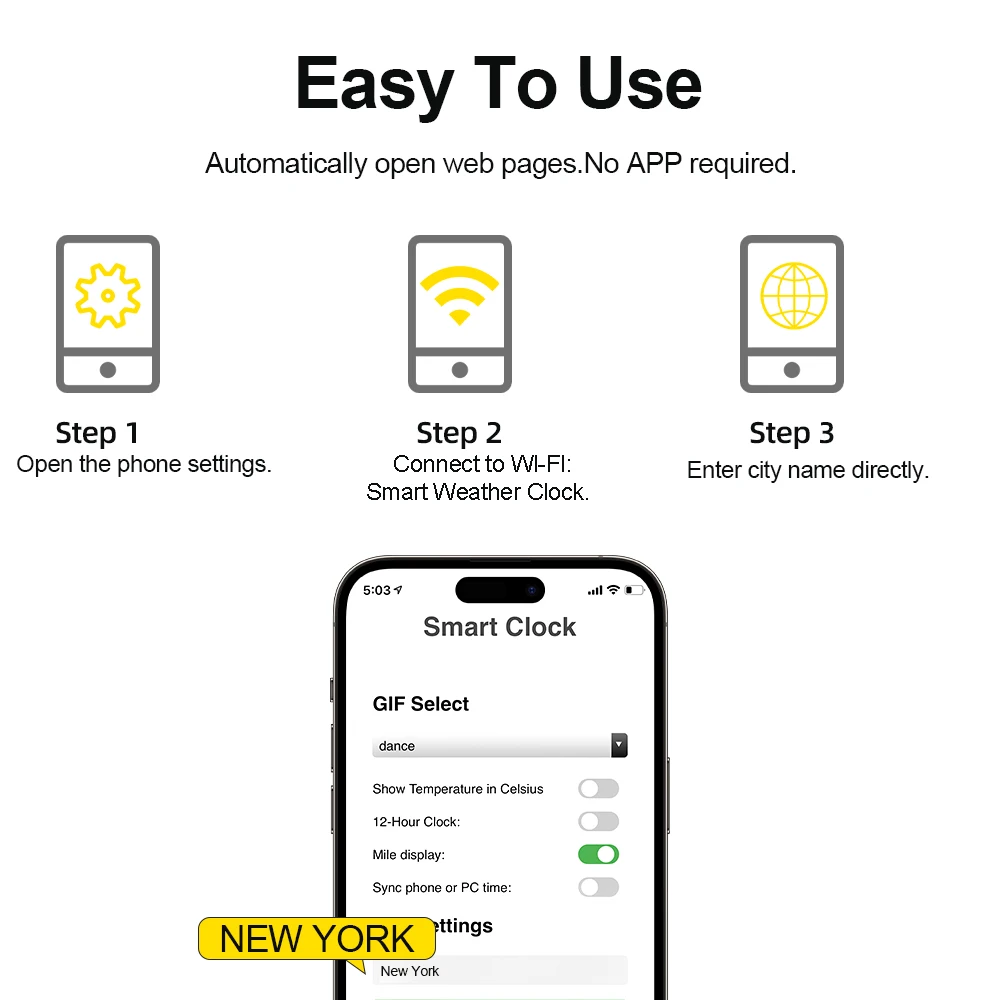
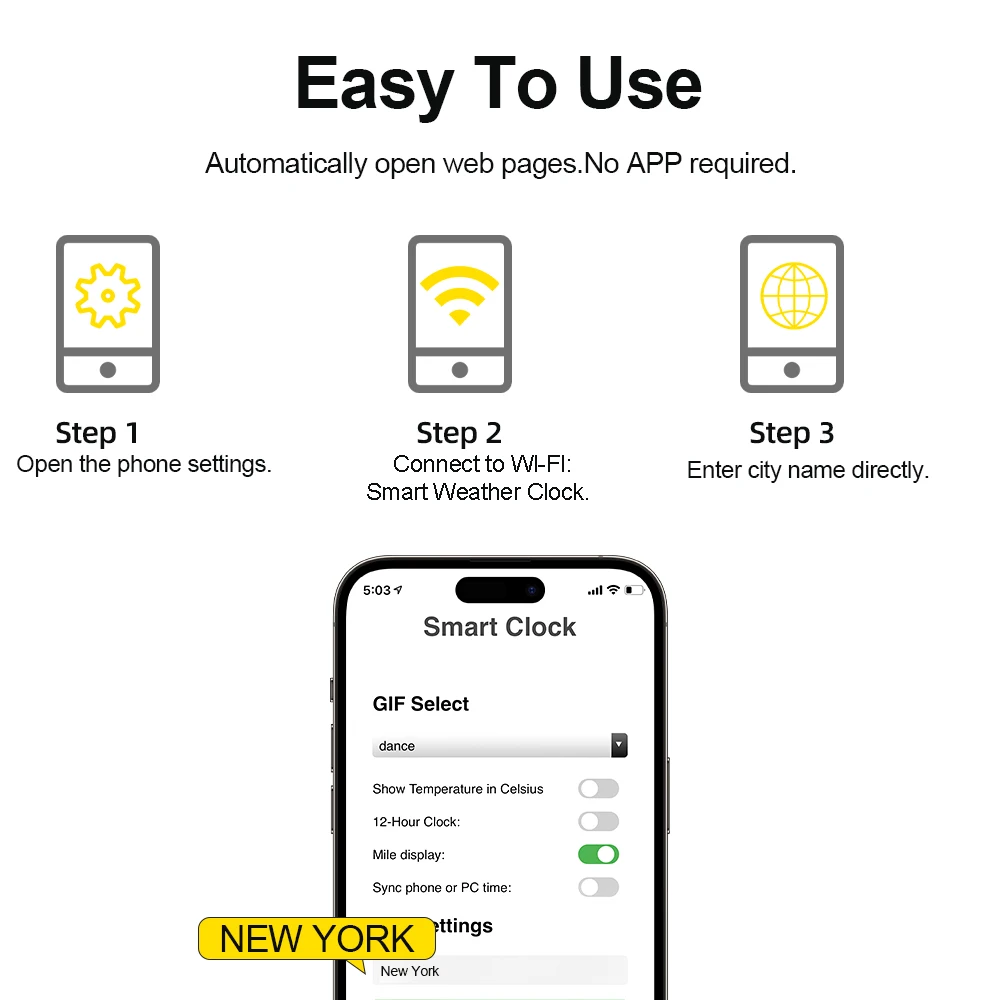
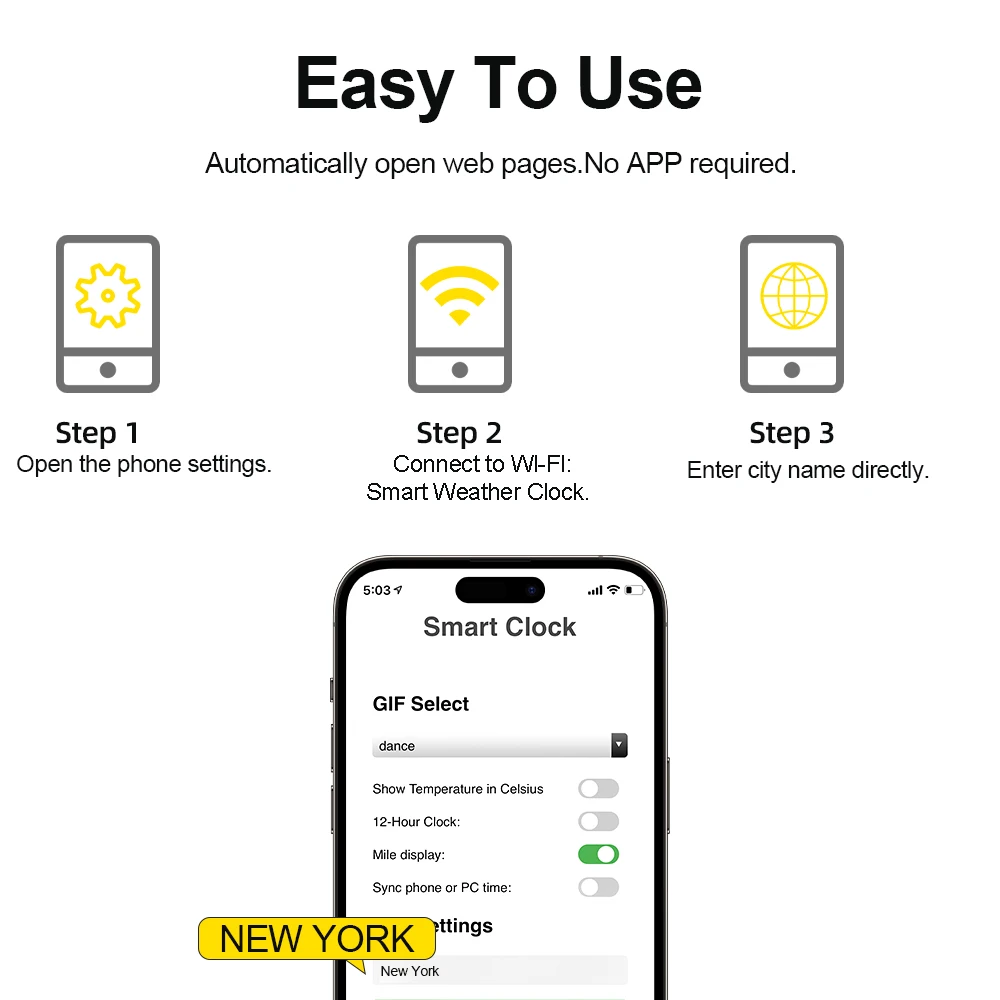
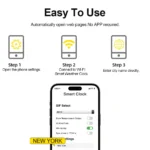
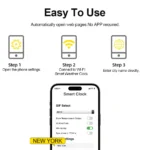
3. Automatically scans the Wi-Fi list, no need to enter Wi-Fi names.

4. Directly enter the city name, no code required.

Features:

1. Works in cities worldwide.

2. Simple operation, no app required.

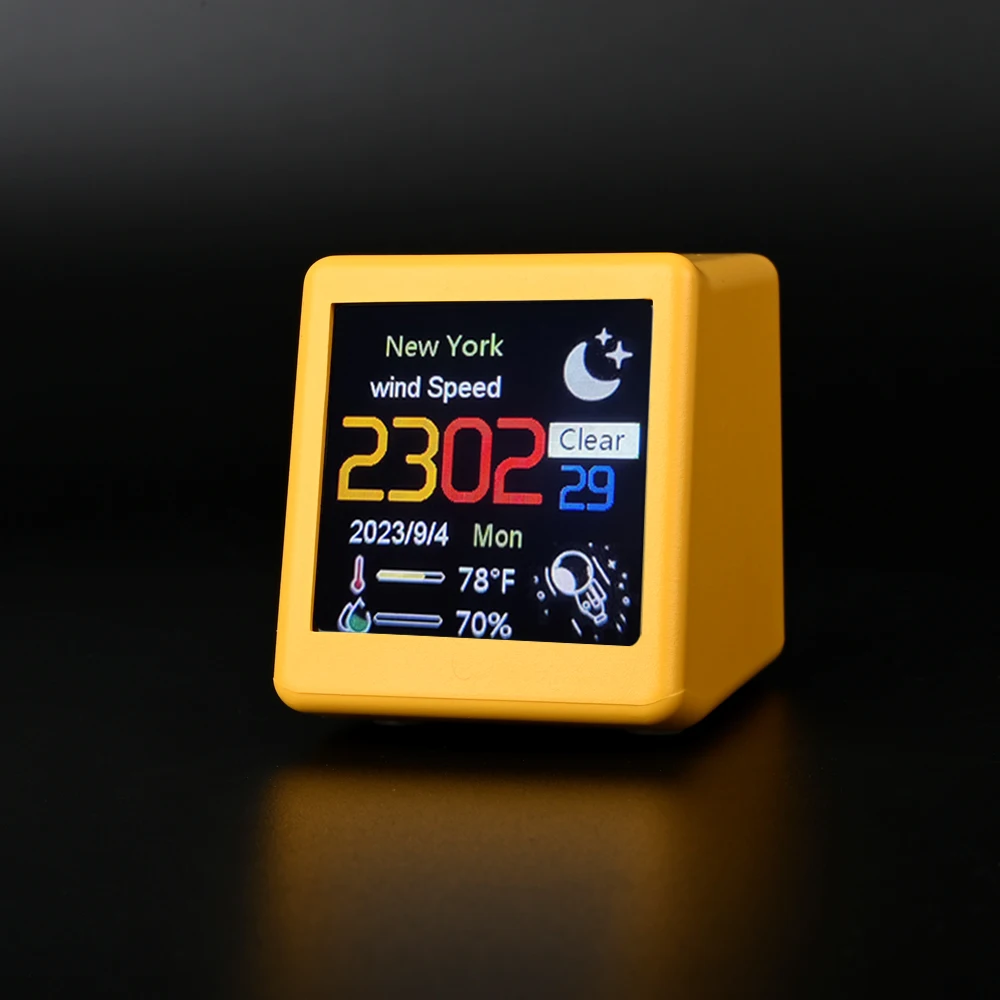
3. Updates date, time, and weather via Wi-Fi.

4. Animation display is switchable.

5. Supports OEM, custom logos, and custom packaging.

6. Supports software upgrades.

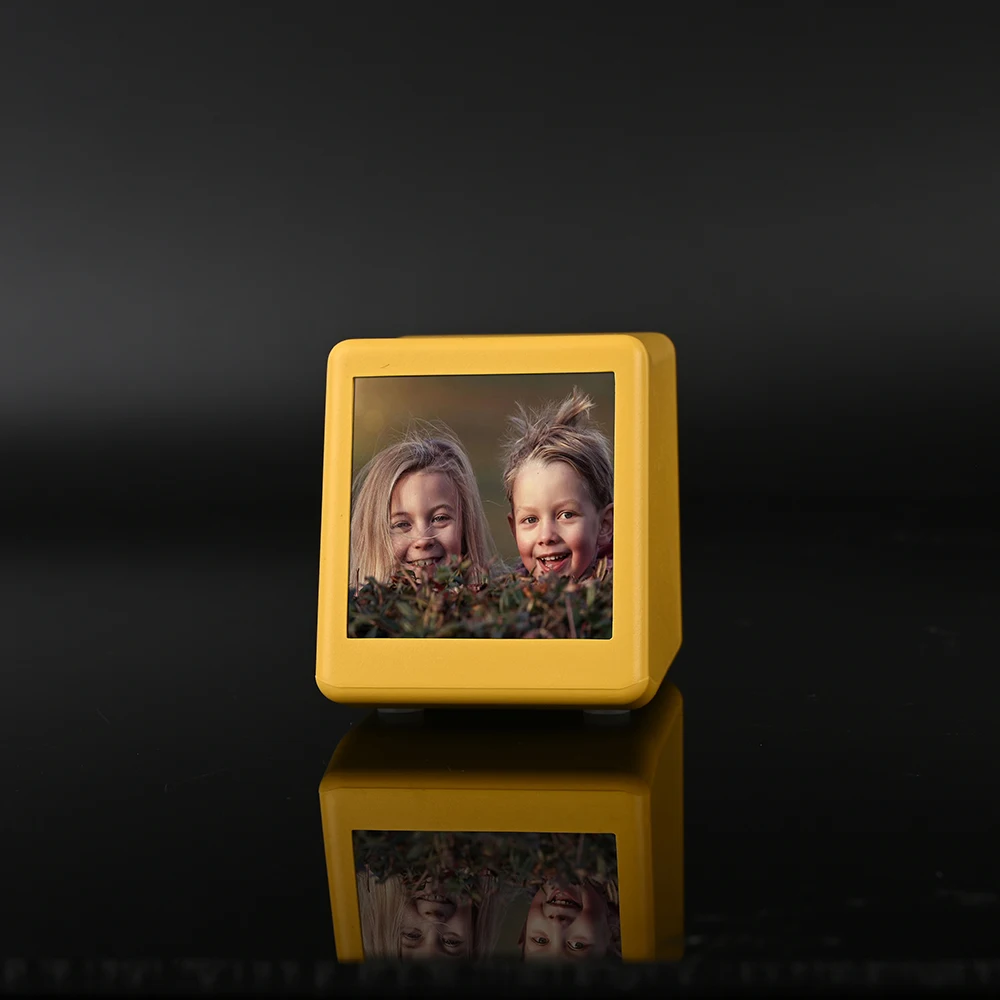
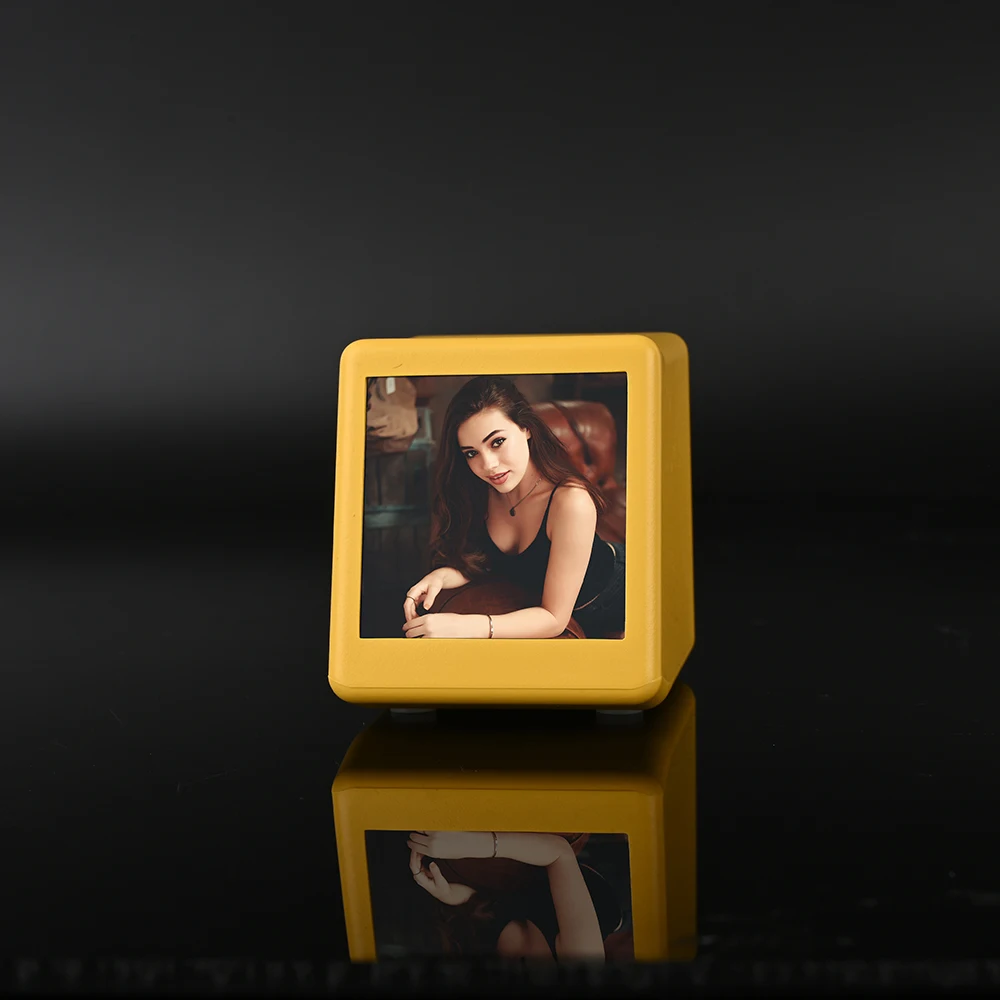
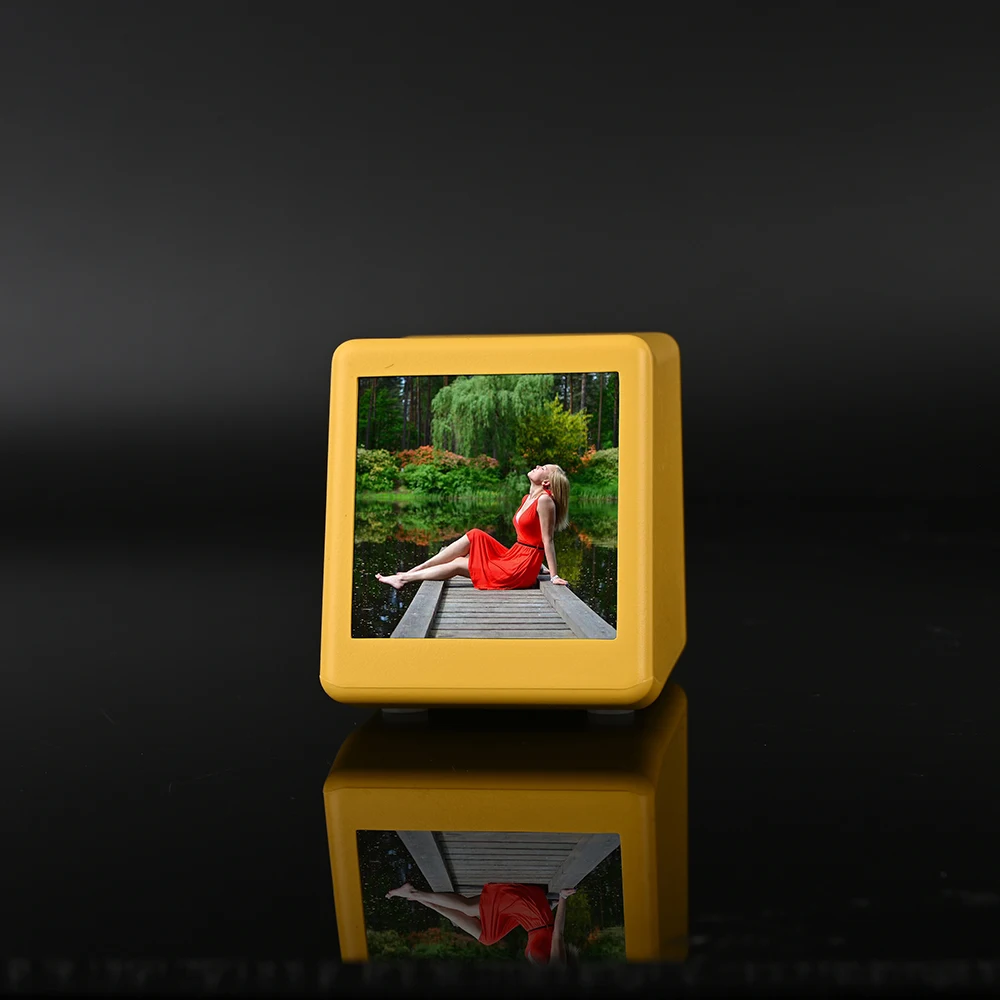
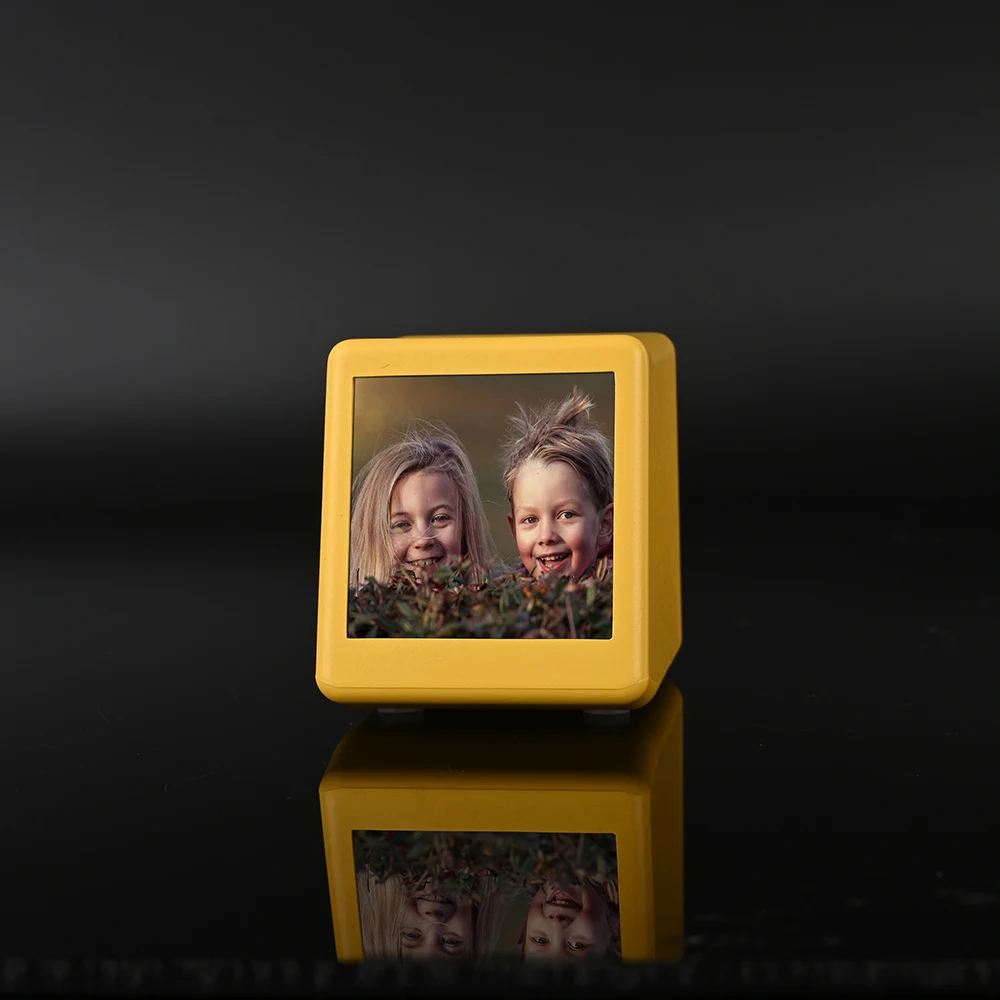
7. Animation upload and electronic photo album functions.

8. Smple theme and date format switching.

9. Can change the clock color.

10. Nght mode with automatic brightness reduction.

11. No battery included, uses a data cable.

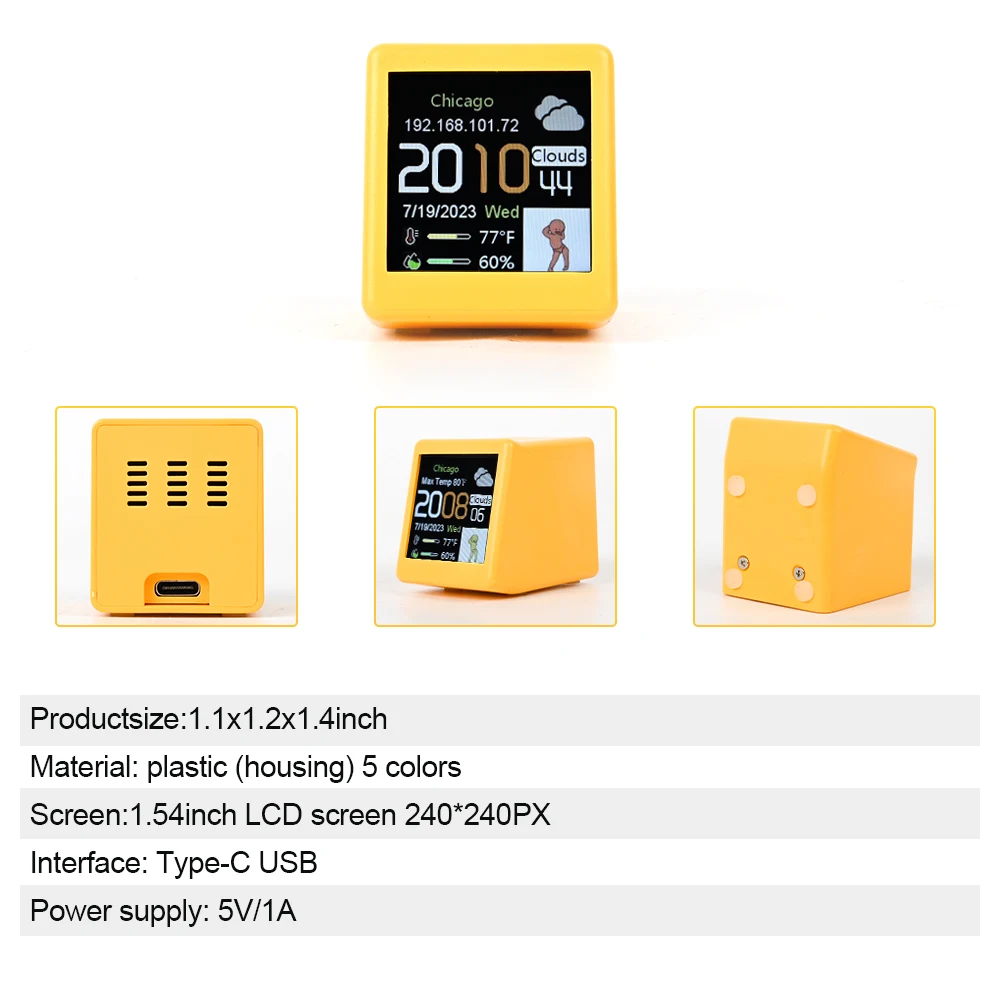
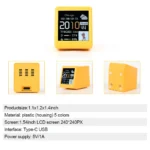
Product Specifications:

Product Name: Smart Weather Clock

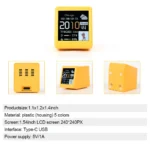
Product Dimensions:3.5*4.8*4cm

Net Weight: 30g

Gross Weight: 60g

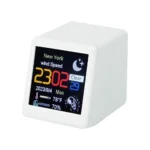
Screen Size:1.54-inch 240*240 pixels

Network: WIFI

Power Interface: Type-C

Input Voltage: 5V DC
Reviews (20)
5
20 reviews
20
0
0
0
0

20 reviews for Smart Weather Clock with Electronic Photo Album WiFi Networking Animation Display Desktop Weather Station Automatic Update Ornament

Clear filters
  1. Smart Weather Clock with Electronic Photo Album WiFi Networking Animation Display Desktop Weather Station Automatic Update Ornament photo review
    Verified owner AliExpress Shopper
    November 7, 2026
    The temperature was displayed in Fahrenheit, so I tried to change it by connecting to the IP address shown on the clock, but suddenly I couldn't conne...More
    The temperature was displayed in Fahrenheit, so I tried to change it by connecting to the IP address shown on the clock, but suddenly I couldn't connect, and "Smart Weather Clock" didn't appear on the Wi-Fi either. I contacted customer service and they told me to request a refund. So I turned off the Wi-Fi power itself and tried again, and "Smart Weather Clock" appeared. I changed it to Celsius and set the brightness to the highest, and the heat generation was not a joke; I slightly lowered it from the middle setting, and the heat generation was significantly reduced.

    I changed it to Celsius and set the date display to year, month, day, and time to 12 hours, and I am very satisfied with the result. I'm thinking of repurchasing it to put in every room.
    Helpful? 0 0
    Smart Weather Clock with Electronic Photo Album WiFi Networking Animation Display Desktop Weather Station Automatic Update Ornament photo review
    Smart Weather Clock with Electronic Photo Album WiFi Networking Animation Display Desktop Weather Station Automatic Update Ornament photo review
    Smart Weather Clock with Electronic Photo Album WiFi Networking Animation Display Desktop Weather Station Automatic Update Ornament photo review
    Smart Weather Clock with Electronic Photo Album WiFi Networking Animation Display Desktop Weather Station Automatic Update Ornament photo review
    Smart Weather Clock with Electronic Photo Album WiFi Networking Animation Display Desktop Weather Station Automatic Update Ornament photo review
    +3
    Verified owner AliExpress Shopper
    November 4, 2026
    I think this would be a great item and gift for people who like decorating their computer desks. The packaging was very meticulous, coming in a sturdy...More
    I think this would be a great item and gift for people who like decorating their computer desks. The packaging was very meticulous, coming in a sturdy paper case, and the product is small and cute. The included approximately 1m long Type-C USB charging cable is also perfect.
    Helpful? 0 0
    Smart Weather Clock with Electronic Photo Album WiFi Networking Animation Display Desktop Weather Station Automatic Update Ornament photo review
    Smart Weather Clock with Electronic Photo Album WiFi Networking Animation Display Desktop Weather Station Automatic Update Ornament photo review
    Smart Weather Clock with Electronic Photo Album WiFi Networking Animation Display Desktop Weather Station Automatic Update Ornament photo review
    +1
    Verified owner AliExpress Shopper
    October 17, 2026
    A decorative item that displays the weather and time when connected to WiFi. I was confused by the initial setup, but it's a good product and I reco...More
    A decorative item that displays the weather and time when connected to WiFi.
    I was confused by the initial setup, but it's a good product and I recommend it.

    1: Connect the watch body with a cable and turn on the power.
    2: Connect to the SSID: Smart Weather Clock using the WiFi of your PC or smartphone.
    3: If the browser opens automatically or not, manually open the URL: 192.168.4.1 in the browser and set the SSID and password you are using, which is not "Smart Weather Clock". It appears that *** has already been entered in the password field, but it is a placeholder and needs to be entered again.
    4: The watch body will restart, and the address will be displayed for a moment, so take a good look at it. It should be the same up to 192.168.
    Open that address in the browser. Even if you miss the address, you can check again by pulling out the line on the main body of the watch and restarting it.
    5: Set the weather information region to your home area. (Example: Asahikawa)

    In my case, I was using MAC address filtering in the settings of the Wi-Fi device, so I didn't realize that the time and weather weren't being displayed, which caused some inconvenience. After checking the MAC address of the watch itself in the connected devices section of the Wi-Fi adapter settings and registering it, the connection was easily established and the issue was resolved.
    The heat issue stopped bothering me when I lowered the brightness in the settings.
    Helpful? 0 0
    Smart Weather Clock with Electronic Photo Album WiFi Networking Animation Display Desktop Weather Station Automatic Update Ornament photo review
    Verified owner AliExpress Shopper
    October 14, 2026
    This is really a great product... I left it at home and in the computer room at work and am using it really well. I hope it can be used for a long tim...More
    This is really a great product... I left it at home and in the computer room at work and am using it really well. I hope it can be used for a long time without any issues.
    And if the web window does not automatically appear after you first turn on the power and select the phone's Wi-Fi settings > Smart Weather Clock, you can go to the phone's Wi-Fi settings > Advanced Settings > Smart~~~ gear settings and click on Router Management. The product's web settings window will appear there, where you can set the Wi-Fi 2.4G password and other detailed settings. I also messed around for about 5 minutes.
    Helpful? 0 0
    Smart Weather Clock with Electronic Photo Album WiFi Networking Animation Display Desktop Weather Station Automatic Update Ornament photo review
    Verified owner AliExpress Shopper
    October 13, 2026
    Useful for giving a cool look to the setup. Beautiful and practical.
    Helpful? 0 0
    Smart Weather Clock with Electronic Photo Album WiFi Networking Animation Display Desktop Weather Station Automatic Update Ornament photo review
    Verified owner AliExpress Shopper
    October 11, 2026
    The reason I bought it was because it was a Wi-Fi desk clock that allowed me to check the time without any error. The size is quite small, but it's ...More
    The reason I bought it was because it was a Wi-Fi desk clock that allowed me to check the time without any error.
    The size is quite small, but it's not meant to be viewed from a distance, so it's okay.
    It's nice that the stopwatch is also displayed.
    At first, I mistakenly thought that the password was entered automatically when I tried to log in.
    Even after trying repeatedly, it didn't work, so I entered the wafabi password manually and the issue was resolved.
    It's so convenient because there's no need for a separate app for settings or use.
    Helpful? 0 0
    Smart Weather Clock with Electronic Photo Album WiFi Networking Animation Display Desktop Weather Station Automatic Update Ornament photo review
    Verified owner AliExpress Shopper
    October 5, 2026
    You need to play around a bit with the settings; the address in the instructions is not quite correct. When you are about to change the city, look at ...More
    You need to play around a bit with the settings; the address in the instructions is not quite correct. When you are about to change the city, look at the address that appears on the weather station's display and go directly to that one. There you can specify your city by entering the country code, for example, Lviv, UA. The display is bright, looks miniature and cute, and there are many settings. I liked it and recommend it for purchase.
    Helpful? 0 0
    Smart Weather Clock with Electronic Photo Album WiFi Networking Animation Display Desktop Weather Station Automatic Update Ornament photo review
    Smart Weather Clock with Electronic Photo Album WiFi Networking Animation Display Desktop Weather Station Automatic Update Ornament photo review
    Smart Weather Clock with Electronic Photo Album WiFi Networking Animation Display Desktop Weather Station Automatic Update Ornament photo review
    Smart Weather Clock with Electronic Photo Album WiFi Networking Animation Display Desktop Weather Station Automatic Update Ornament photo review
    Smart Weather Clock with Electronic Photo Album WiFi Networking Animation Display Desktop Weather Station Automatic Update Ornament photo review
    Smart Weather Clock with Electronic Photo Album WiFi Networking Animation Display Desktop Weather Station Automatic Update Ornament photo review
    Smart Weather Clock with Electronic Photo Album WiFi Networking Animation Display Desktop Weather Station Automatic Update Ornament photo review
    Smart Weather Clock with Electronic Photo Album WiFi Networking Animation Display Desktop Weather Station Automatic Update Ornament photo review
    Smart Weather Clock with Electronic Photo Album WiFi Networking Animation Display Desktop Weather Station Automatic Update Ornament photo review
    Smart Weather Clock with Electronic Photo Album WiFi Networking Animation Display Desktop Weather Station Automatic Update Ornament photo review
    Smart Weather Clock with Electronic Photo Album WiFi Networking Animation Display Desktop Weather Station Automatic Update Ornament photo review
    +9
    Verified owner AliExpress Shopper
    September 28, 2026
    Cool informant 👍 Came with firmware version 1.1.7 I use it with Home Assistant through the geekmagic-hacs integration, which allows you to create ...More
    Cool informant 👍
    Came with firmware version 1.1.7
    I use it with Home Assistant through the geekmagic-hacs integration, which allows you to create your own data screens with cyclical display. 😋 Respect to the author ⭐ ⭐ ⭐ ⭐ ⭐ 👍 )
    You can use multiple devices by combining them together and set up different screens for them to expand simultaneous data display. 😉
    Power consumption at minimum brightness: 0.5W

    I recommend 👍
    Helpful? 0 0
    Smart Weather Clock with Electronic Photo Album WiFi Networking Animation Display Desktop Weather Station Automatic Update Ornament photo review
    Verified owner R***o
    September 14, 2026
    Superb display and as others have mentioned a photo does not do it justice. this is a different firmware version to the geekmagic type but the same e...More
    Superb display and as others have mentioned a photo does not do it justice. this is a different firmware version to the geekmagic type but the same excellent performance and nice little rubber feet are an added bonus. a printed manual is included which is very useful. the web interface is also very good.
    Helpful? 0 0
    Smart Weather Clock with Electronic Photo Album WiFi Networking Animation Display Desktop Weather Station Automatic Update Ornament photo review
    Smart Weather Clock with Electronic Photo Album WiFi Networking Animation Display Desktop Weather Station Automatic Update Ornament photo review
    Smart Weather Clock with Electronic Photo Album WiFi Networking Animation Display Desktop Weather Station Automatic Update Ornament photo review
    +1
    Verified owner AliExpress Shopper
    September 1, 2026
    Very nice! love how cool it looks. the webpage is very easy to work and i have uploaded roughly 30 pics, can add gifs aswell and very customizable, cl...More
    Very nice! love how cool it looks. the webpage is very easy to work and i have uploaded roughly 30 pics, can add gifs aswell and very customizable, clear screen and bright too, great buy
    Helpful? 0 0
    Smart Weather Clock with Electronic Photo Album WiFi Networking Animation Display Desktop Weather Station Automatic Update Ornament photo review
    Verified owner AliExpress Shopper
    August 4, 2026
    It's so pretty! The initial setup is also simple. Just read the manual and type the address (192.1.x...) correctly, and you're done. The settings ar...More
    It's so pretty!
    The initial setup is also simple. Just read the manual and type the address (192.1.x...) correctly, and you're done. The settings are for a different address.
    It seems like I need to enter the city settings manually; I'll have to check where it's listed. It's a small town in Gyeonggi-do, but it didn't show up, so I set it to Seoul.

    I'm thinking of buying a few more and putting them in each room.
    Helpful? 0 0
    Smart Weather Clock with Electronic Photo Album WiFi Networking Animation Display Desktop Weather Station Automatic Update Ornament photo review
    Verified owner U***r
    August 2, 2026
    Have good quality
    Helpful? 0 0
    Smart Weather Clock with Electronic Photo Album WiFi Networking Animation Display Desktop Weather Station Automatic Update Ornament photo review
    Smart Weather Clock with Electronic Photo Album WiFi Networking Animation Display Desktop Weather Station Automatic Update Ornament photo review
    Smart Weather Clock with Electronic Photo Album WiFi Networking Animation Display Desktop Weather Station Automatic Update Ornament photo review
    Smart Weather Clock with Electronic Photo Album WiFi Networking Animation Display Desktop Weather Station Automatic Update Ornament photo review
    Smart Weather Clock with Electronic Photo Album WiFi Networking Animation Display Desktop Weather Station Automatic Update Ornament photo review
    +3
    Verified owner AliExpress Shopper
    July 3, 2026
    Very nice, it matches the environment, the screen is either very bright or very dark, the black at minimum brightness is practically OLED, it's a very...More
    Very nice, it matches the environment, the screen is either very bright or very dark, the black at minimum brightness is practically OLED, it's a very colorful panel and has a good refresh rate, apparently 10 Hz.
    Just follow the manual; when you connect the Internet to it, the IP will appear on the screen. Just type it into the browser on the same network, and there you can change themes, colors, add photos or gifs.

    I highly recommend it for the price; even at 50 reais it's worth it.
    Helpful? 0 0
    Smart Weather Clock with Electronic Photo Album WiFi Networking Animation Display Desktop Weather Station Automatic Update Ornament photo review
    Smart Weather Clock with Electronic Photo Album WiFi Networking Animation Display Desktop Weather Station Automatic Update Ornament photo review
    Smart Weather Clock with Electronic Photo Album WiFi Networking Animation Display Desktop Weather Station Automatic Update Ornament photo review
    Smart Weather Clock with Electronic Photo Album WiFi Networking Animation Display Desktop Weather Station Automatic Update Ornament photo review
    Smart Weather Clock with Electronic Photo Album WiFi Networking Animation Display Desktop Weather Station Automatic Update Ornament photo review
    Smart Weather Clock with Electronic Photo Album WiFi Networking Animation Display Desktop Weather Station Automatic Update Ornament photo review
    +4
    Verified owner AliExpress Shopper
    June 30, 2026
    It's a small and beautiful thing, the numbers are easy to see and the custom GIF animations are 80x80, I suppose it's an IPS panel and OLED, it looks ...More
    It's a small and beautiful thing, the numbers are easy to see and the custom GIF animations are 80x80, I suppose it's an IPS panel and OLED, it looks really smooth and sharp, with bright colors. Thank you, seller. It's very easy to set up, you just connect the Wi-Fi and that's it!
    Helpful? 0 0
    Smart Weather Clock with Electronic Photo Album WiFi Networking Animation Display Desktop Weather Station Automatic Update Ornament photo review
    Smart Weather Clock with Electronic Photo Album WiFi Networking Animation Display Desktop Weather Station Automatic Update Ornament photo review
    Smart Weather Clock with Electronic Photo Album WiFi Networking Animation Display Desktop Weather Station Automatic Update Ornament photo review
    Smart Weather Clock with Electronic Photo Album WiFi Networking Animation Display Desktop Weather Station Automatic Update Ornament photo review
    Smart Weather Clock with Electronic Photo Album WiFi Networking Animation Display Desktop Weather Station Automatic Update Ornament photo review
    Smart Weather Clock with Electronic Photo Album WiFi Networking Animation Display Desktop Weather Station Automatic Update Ornament photo review
    +4
    Verified owner AliExpress Shopper
    June 11, 2026
    As described fast shipping normal packaging tested ok. Comes with a description in english. First you connect your phone to the wifi of the clock,...More
    As described fast shipping normal packaging tested ok.
    Comes with a description in english.
    First you connect your phone to the wifi of the clock, on a website you got you choose your wifi you want to use and fill in your wifi password.
    Save and reboot.
    When it reboots, the clock shows it's ip.
    Use a browser to go to that ip.
    There you can configure the clock, location, appearance, extra goto's, etc.
    Super cute! !
    Helpful? 0 0
    Smart Weather Clock with Electronic Photo Album WiFi Networking Animation Display Desktop Weather Station Automatic Update Ornament photo review
    Smart Weather Clock with Electronic Photo Album WiFi Networking Animation Display Desktop Weather Station Automatic Update Ornament photo review
    Smart Weather Clock with Electronic Photo Album WiFi Networking Animation Display Desktop Weather Station Automatic Update Ornament photo review
    Smart Weather Clock with Electronic Photo Album WiFi Networking Animation Display Desktop Weather Station Automatic Update Ornament photo review
    +2
    Verified owner AliExpress Shopper
    June 10, 2026
    This is a pretty cool piece of tech. setting it up was a breeze. the screen is bright and the weather information is accurate and up-to-date. i'm buyi...More
    This is a pretty cool piece of tech. setting it up was a breeze. the screen is bright and the weather information is accurate and up-to-date. i'm buying one for every room.
    Helpful? 0 0
    Smart Weather Clock with Electronic Photo Album WiFi Networking Animation Display Desktop Weather Station Automatic Update Ornament photo review
    Smart Weather Clock with Electronic Photo Album WiFi Networking Animation Display Desktop Weather Station Automatic Update Ornament photo review
    Smart Weather Clock with Electronic Photo Album WiFi Networking Animation Display Desktop Weather Station Automatic Update Ornament photo review
    Smart Weather Clock with Electronic Photo Album WiFi Networking Animation Display Desktop Weather Station Automatic Update Ornament photo review
    Smart Weather Clock with Electronic Photo Album WiFi Networking Animation Display Desktop Weather Station Automatic Update Ornament photo review
    +3
    Verified owner K***i
    June 5, 2026
    It is really a smart gadget. it is perfect to have beside your bed so you dont have to watch at your phone for what time it’s. easy to install, just l...More
    It is really a smart gadget. it is perfect to have beside your bed so you dont have to watch at your phone for what time it’s. easy to install, just look at the video on youtube. it shows the time, temperature, weather forecast and so on. note: it will only connect to 2,4 ghz wifi not 5. you acess it on an ip adress so your phone has to be connected to 2,4 wifi, you can change the time intevall between all of your different modes, you can change between c/f. you can change the brightness of the display so it is bright in the day and lower at night, really easy to update. you can have your own pictures from your phone. for the money it is awesome!
    Helpful? 0 0
    Smart Weather Clock with Electronic Photo Album WiFi Networking Animation Display Desktop Weather Station Automatic Update Ornament photo review
    Verified owner AliExpress Shopper
    May 21, 2026
    With a discount, getting this feature for 4300 is absolutely fantastic! Everyone just says they were confused, but there's no explanation. 1 Turn ...More
    With a discount, getting this feature for 4300 is absolutely fantastic!
    Everyone just says they were confused, but there's no explanation.
    1 Turn on the power (barcode appears on the screen)
    2 Select the Wi-Fi name that includes the word "clock" on the phone.
    3. Scan the barcode (either using the phone's default menu or an app). Open link
    4 When the settings screen appears, enter the Wi-Fi and region information, then press start to connect.
    Please enter the region in English. If the barcode screen doesn't change when you press start, check if the Wi-Fi selection has switched to something else. You must select a name that includes the word 'clock' and then set it up.
    Helpful? 0 0
    Smart Weather Clock with Electronic Photo Album WiFi Networking Animation Display Desktop Weather Station Automatic Update Ornament photo review
    Verified owner AliExpress Shopper
    May 13, 2026
    Tiny, not without its pitfalls, external power required, internet needed - but what a cute, necessary, and convenient device! You glance at it casuall...More
    Tiny, not without its pitfalls, external power required, internet needed - but what a cute, necessary, and convenient device! You glance at it casually and get stuck for a moment - here are the exact time, date, current and expected weather outside, and heartwarming photos... I recommend it!
    Helpful? 0 0
    Smart Weather Clock with Electronic Photo Album WiFi Networking Animation Display Desktop Weather Station Automatic Update Ornament photo review
    Smart Weather Clock with Electronic Photo Album WiFi Networking Animation Display Desktop Weather Station Automatic Update Ornament photo review
    Smart Weather Clock with Electronic Photo Album WiFi Networking Animation Display Desktop Weather Station Automatic Update Ornament photo review
    +1
    Verified owner p***p
    May 9, 2026
    Smaller than expected, but cute and does the job.
    Helpful? 0 0
Add a review

Your email address will not be published. Required fields are marked *

1 2 3 4 5
1 2 3 4 5
1 2 3 4 5

You have to be logged in to be able to add photos to your review.